06. 单元测试 - IDEA下单元测试详解
# 06. 单元测试 - IDEA下单元测试详解
# 场景准备
准备一个待测试的类, 其中还包含着错误。
package tech.farerboy.junit4.module;

public class Calculator {

    public int result = 0;

    /**
     * add.
     *
     * @param operand1 first param
     * @param operand2 second param
     * @return sum
     */
    public int add(int operand1, int operand2) {
        result = operand1 + operand2;
        return result;
    }

    public int subtract(int operand1, int operand2) {
        result = operand1 - operand2;
        return result;
    }

    public int multiple(int operand1, int operand2) {
        result = operand1 * operand2;
        for (; ; ) {                    //死循环
        }
    }

    public int divide(int operand1, int operand2) {
        result = operand1 / 0;
        return result;
    }

    public int getResult() {
        return this.result;
    }

}
1
2
3
4
5
6
7
8
9
10
11
12
13
14
15
16
17
18
19
20
21
22
23
24
25
26
27
28
29
30
31
32
33
34
35
36
37
38
39
2
3
4
5
6
7
8
9
10
11
12
13
14
15
16
17
18
19
20
21
22
23
24
25
26
27
28
29
30
31
32
33
34
35
36
37
38
39
# 插件使用
# 自动生成单元测试
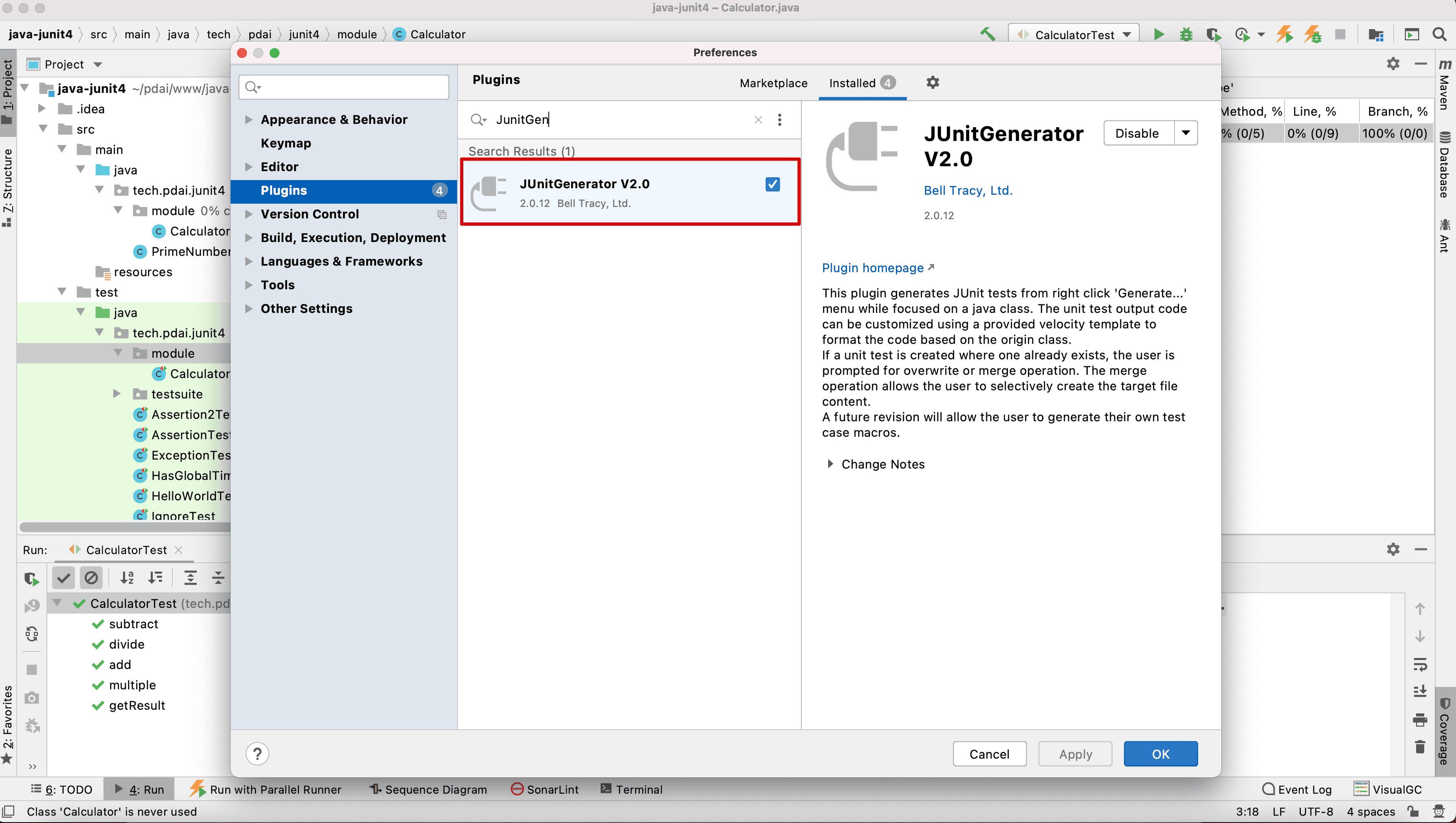
第一个插件,首推的是JunitGeneratorV2.0
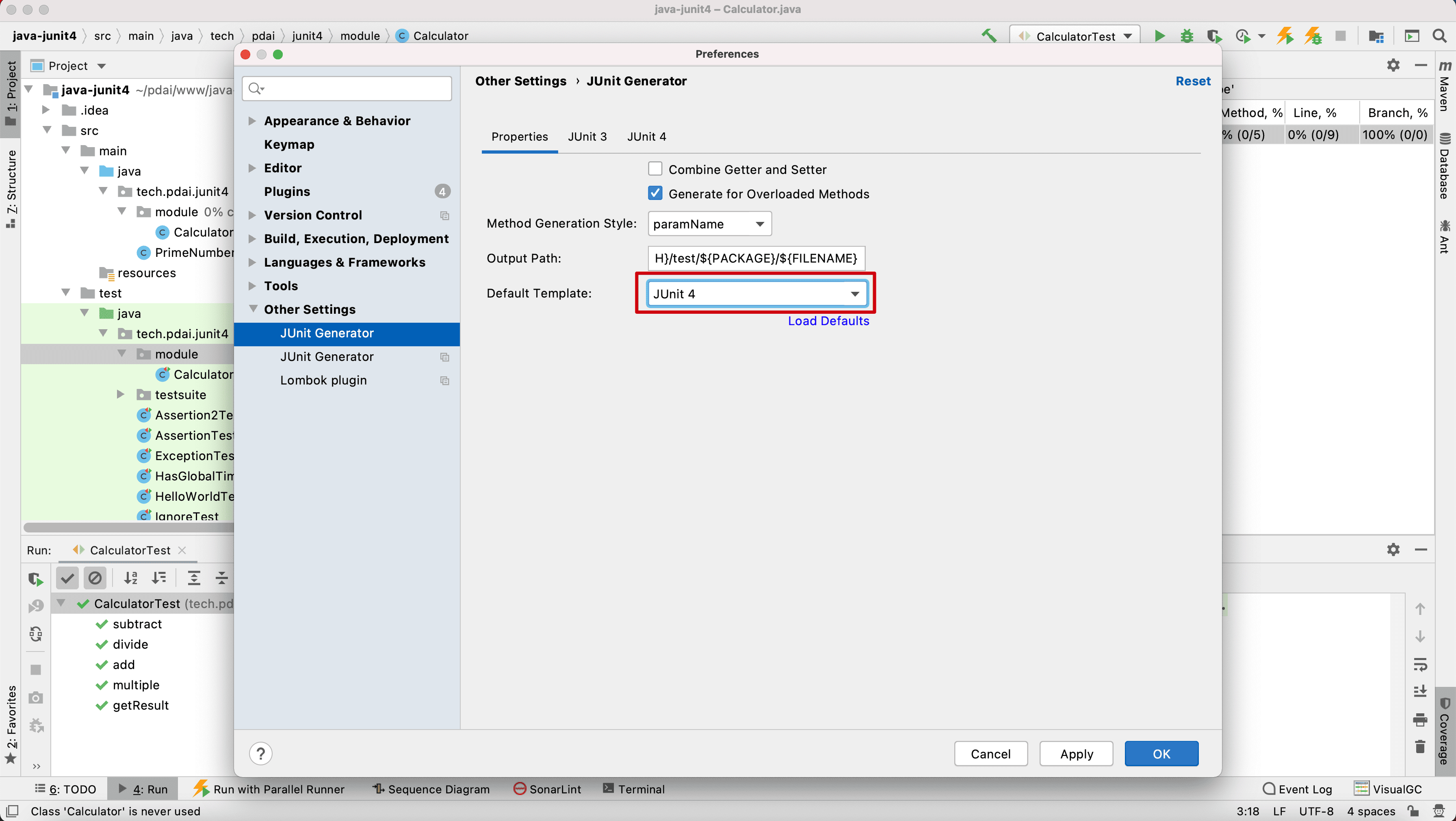
设置默认采用Junit4
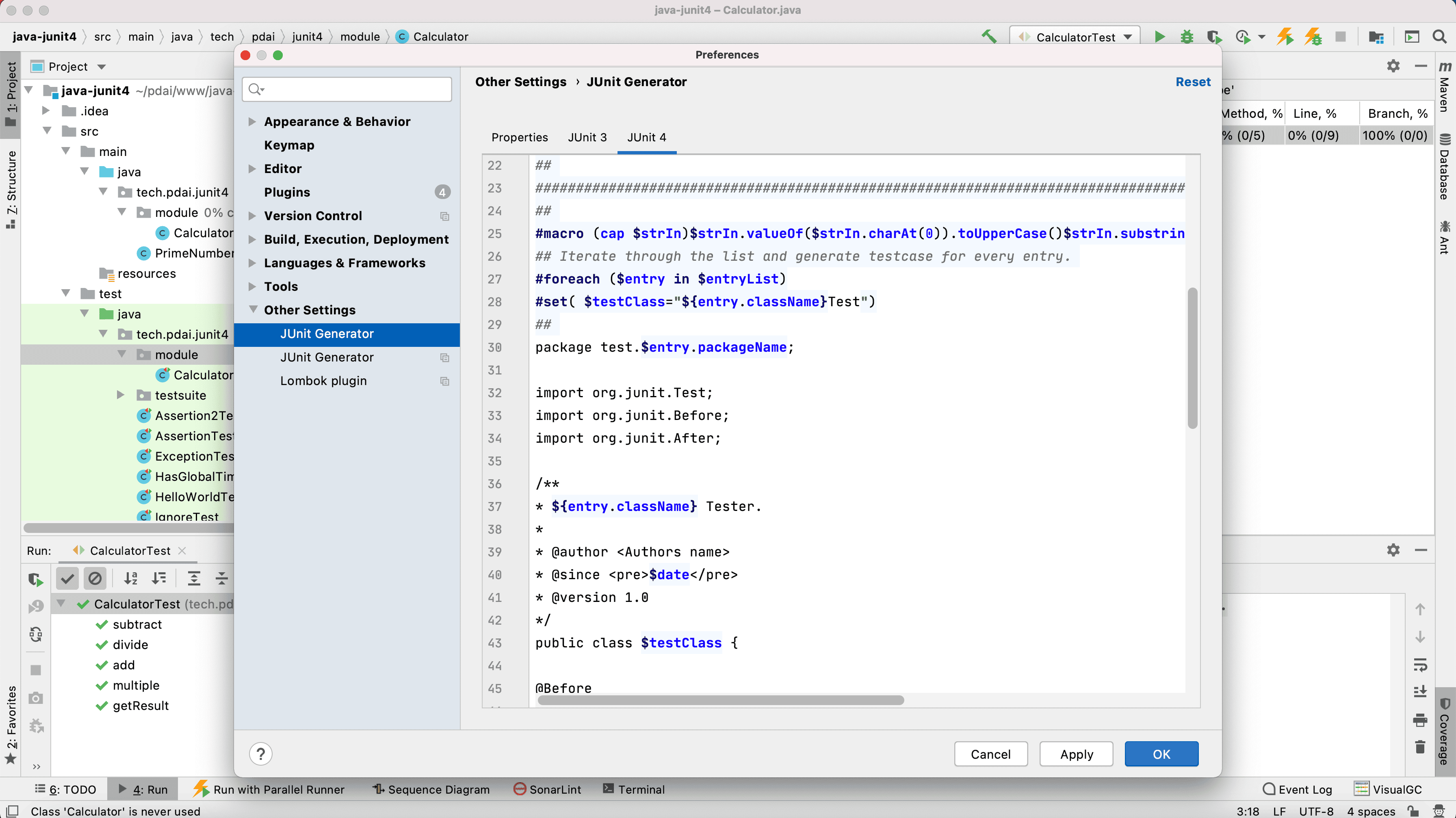
如有必要可以设置生成的模板
测试下
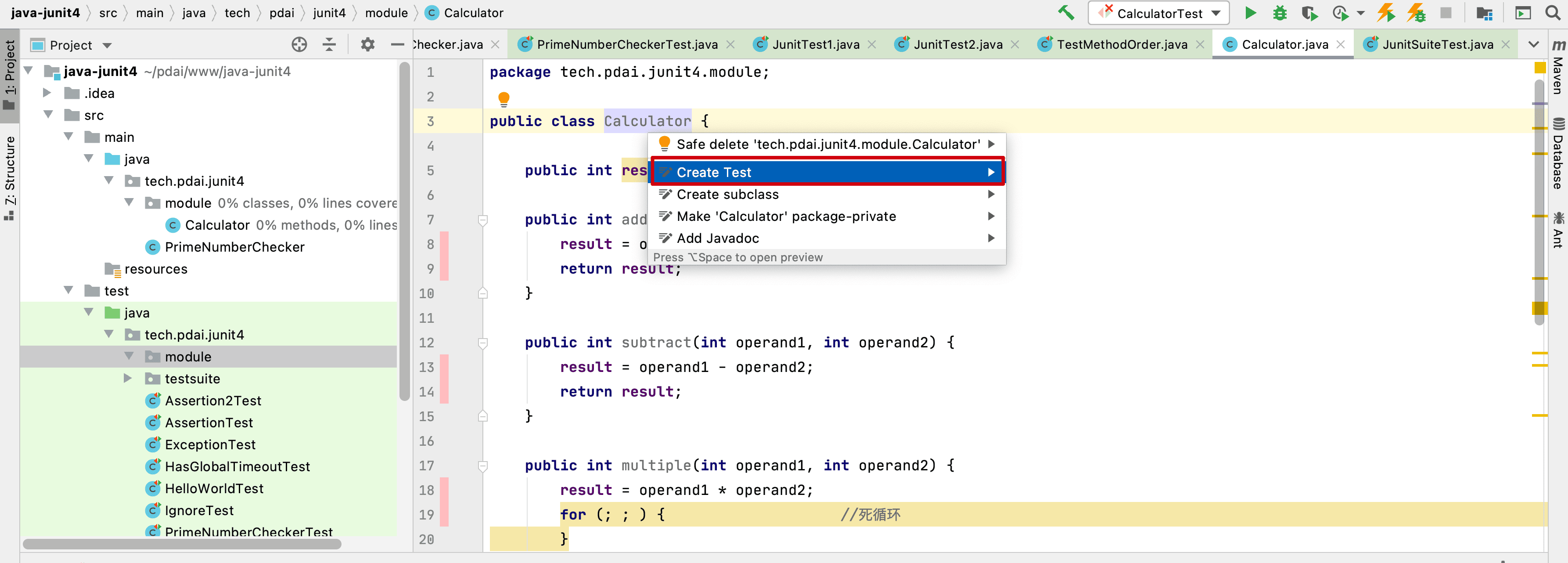
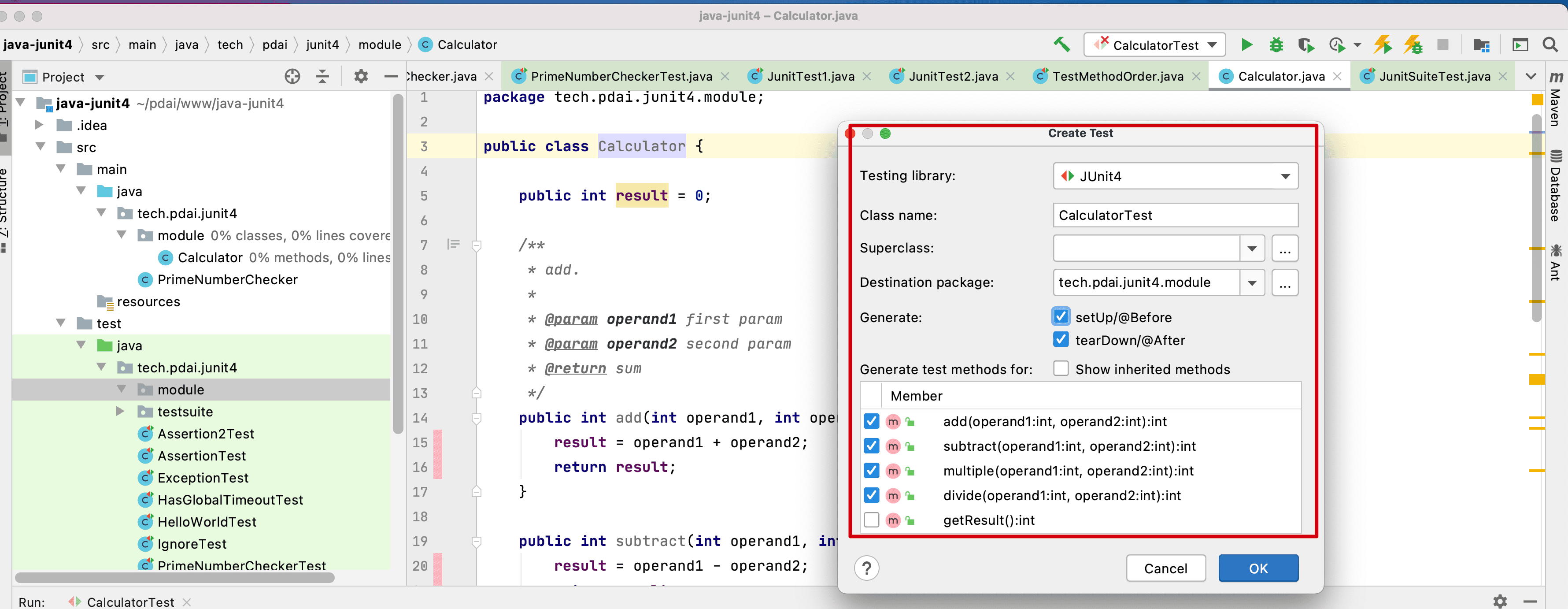
生成单元测试
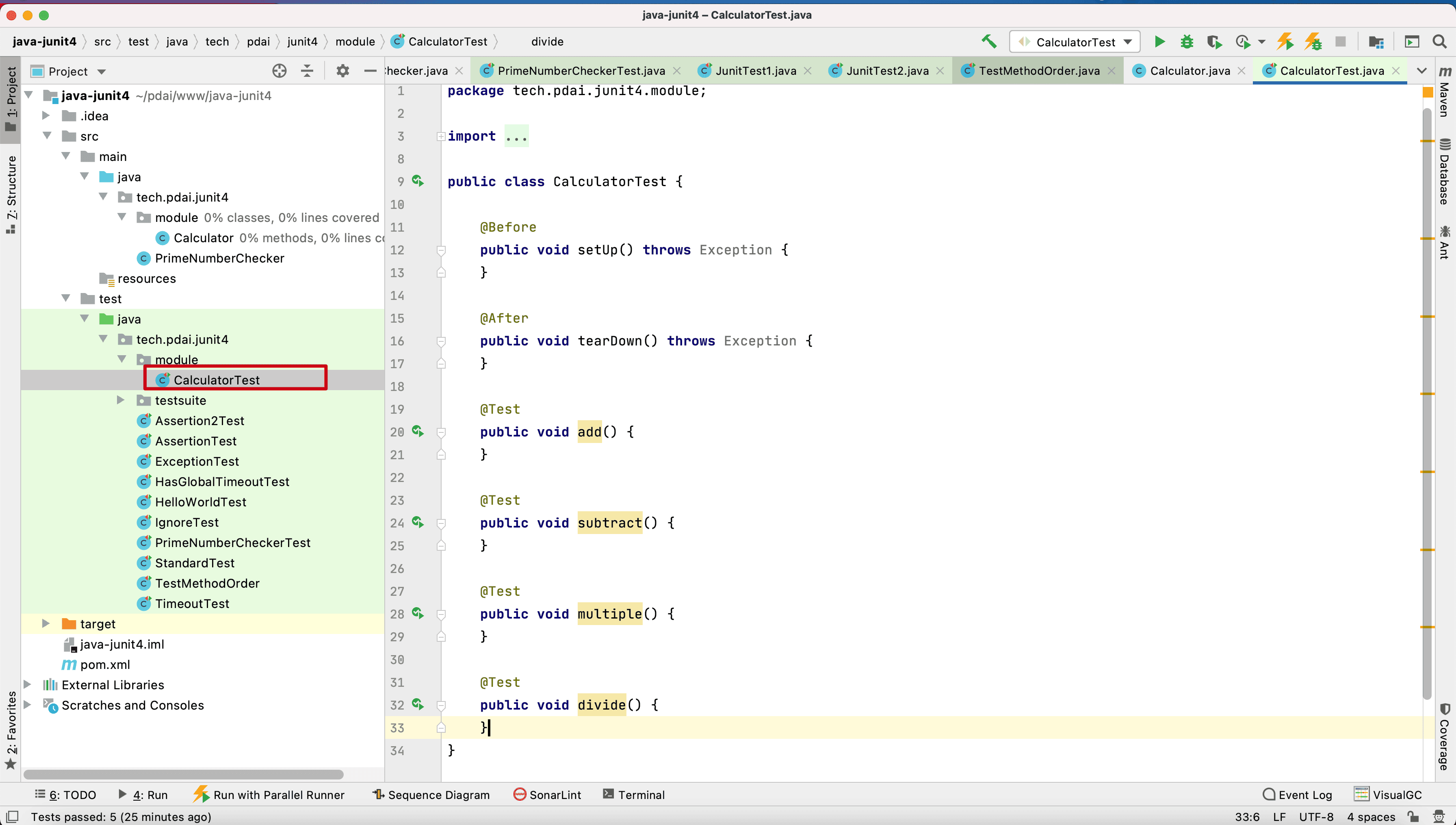
补充完整代码
package tech.farerboy.junit4.module;

import org.junit.After;
import org.junit.Before;
import org.junit.Ignore;
import org.junit.Test;

import static org.junit.Assert.*;

public class CalculatorTest {

    private static Calculator cal=new Calculator();

    @Before
    public void setUp() throws Exception {
        System.out.println("before");
    }

    @After
    public void tearDown() throws Exception {
        System.out.println("after");
    }

    @Test
    public void add() {
        cal.add(2,2);
        assertEquals(4,cal.getResult());
    }

    @Test
    public void subtract() {
        cal.subtract(4,2);
        assertEquals(2,cal.getResult());
    }

    @Ignore
    public void multiply() {
        fail("Not yet implemented");
    }

    @Test(timeout = 2000)
    public void divide() {
        for(;;);
    }

    @Test(expected = ArithmeticException.class)
    public void testDivideByZero(){
        cal.divide(4,0);
    }

}
1
2
3
4
5
6
7
8
9
10
11
12
13
14
15
16
17
18
19
20
21
22
23
24
25
26
27
28
29
30
31
32
33
34
35
36
37
38
39
40
41
42
43
44
45
46
47
48
49
50
51
2
3
4
5
6
7
8
9
10
11
12
13
14
15
16
17
18
19
20
21
22
23
24
25
26
27
28
29
30
31
32
33
34
35
36
37
38
39
40
41
42
43
44
45
46
47
48
49
50
51
执行结果
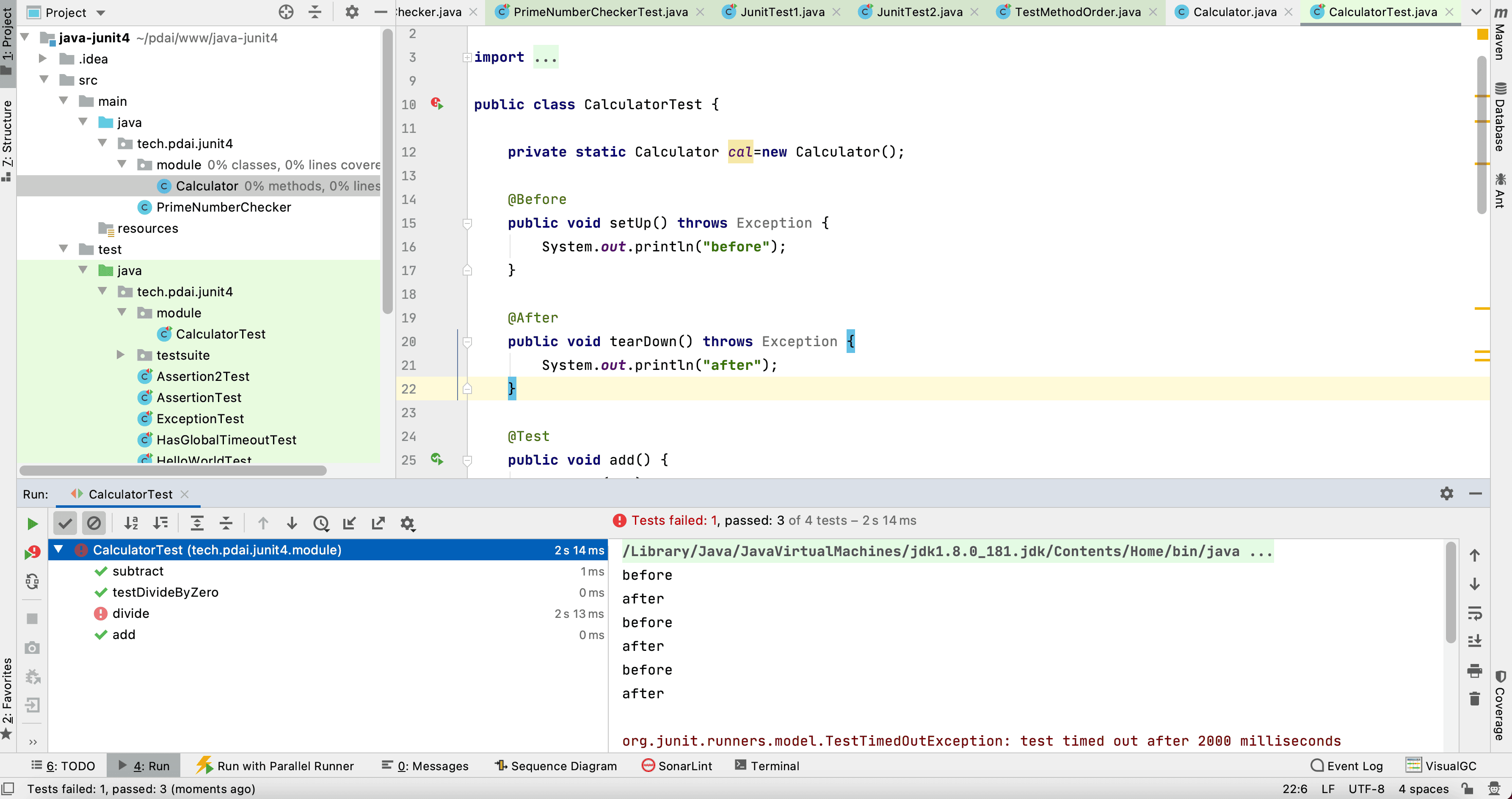
# 并行测试
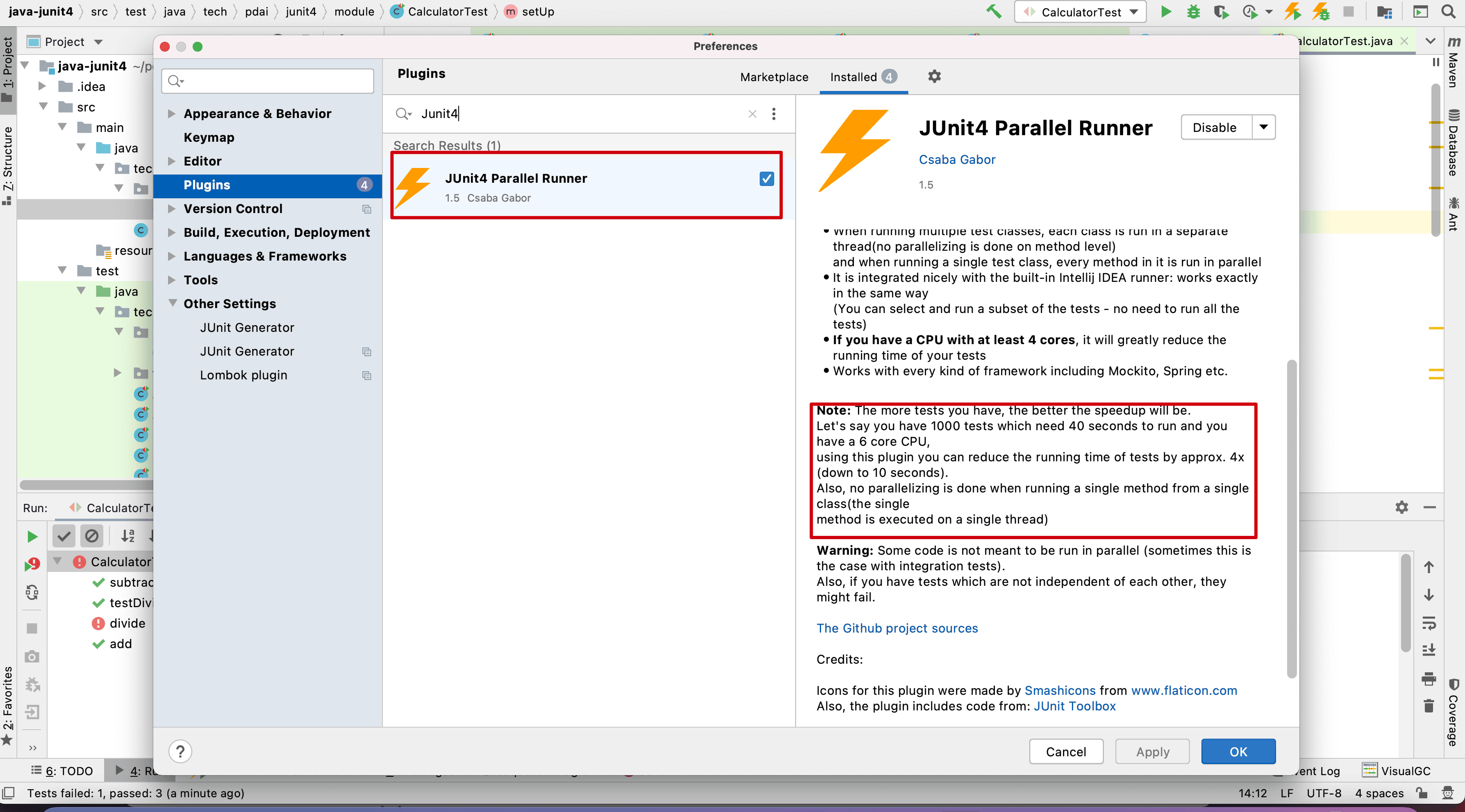
在大量的单元测试时,如何提升测试的效率呢?肯定是并行,所以你可以用如下的插件
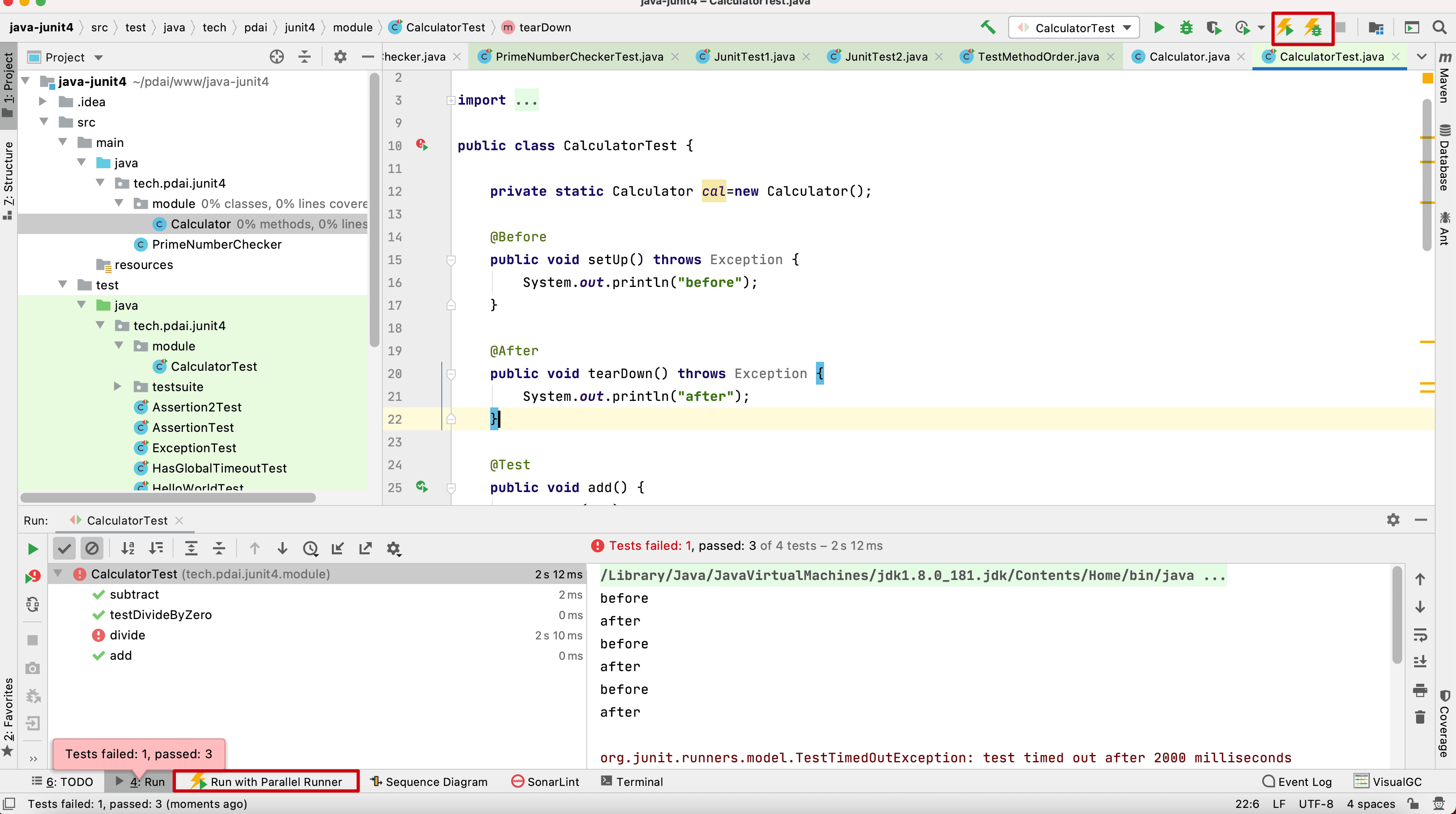
看下相关测试触发按钮和输出:
# 代码覆盖率
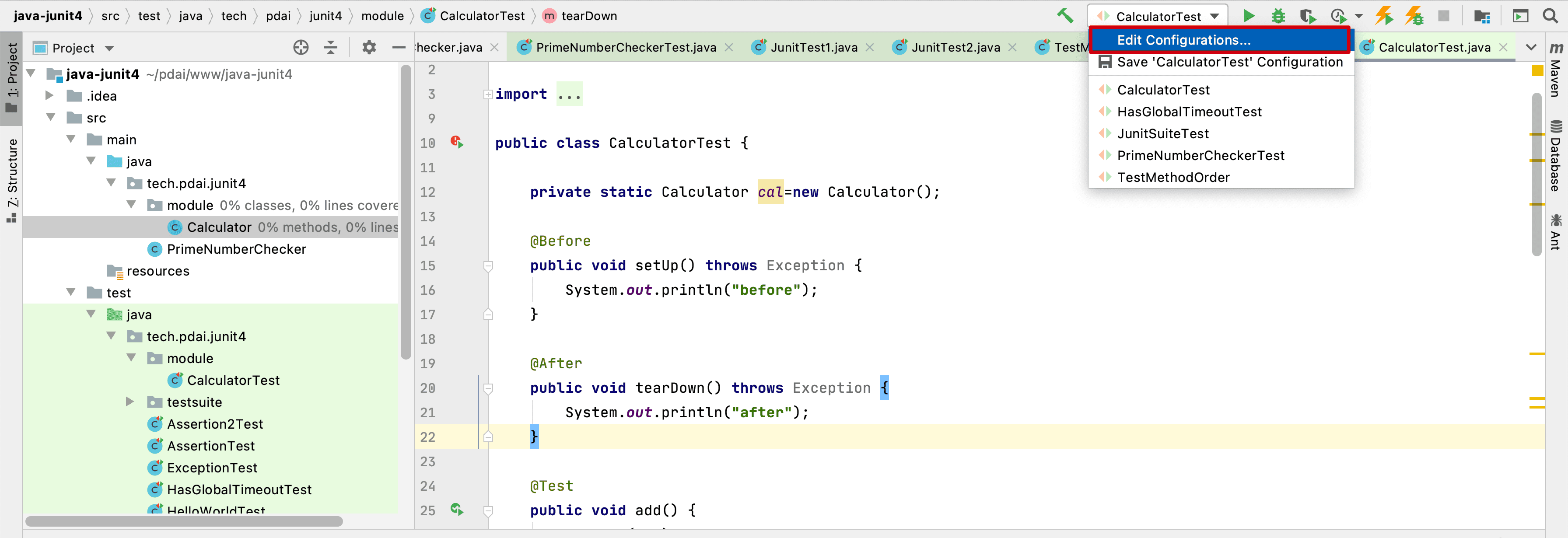
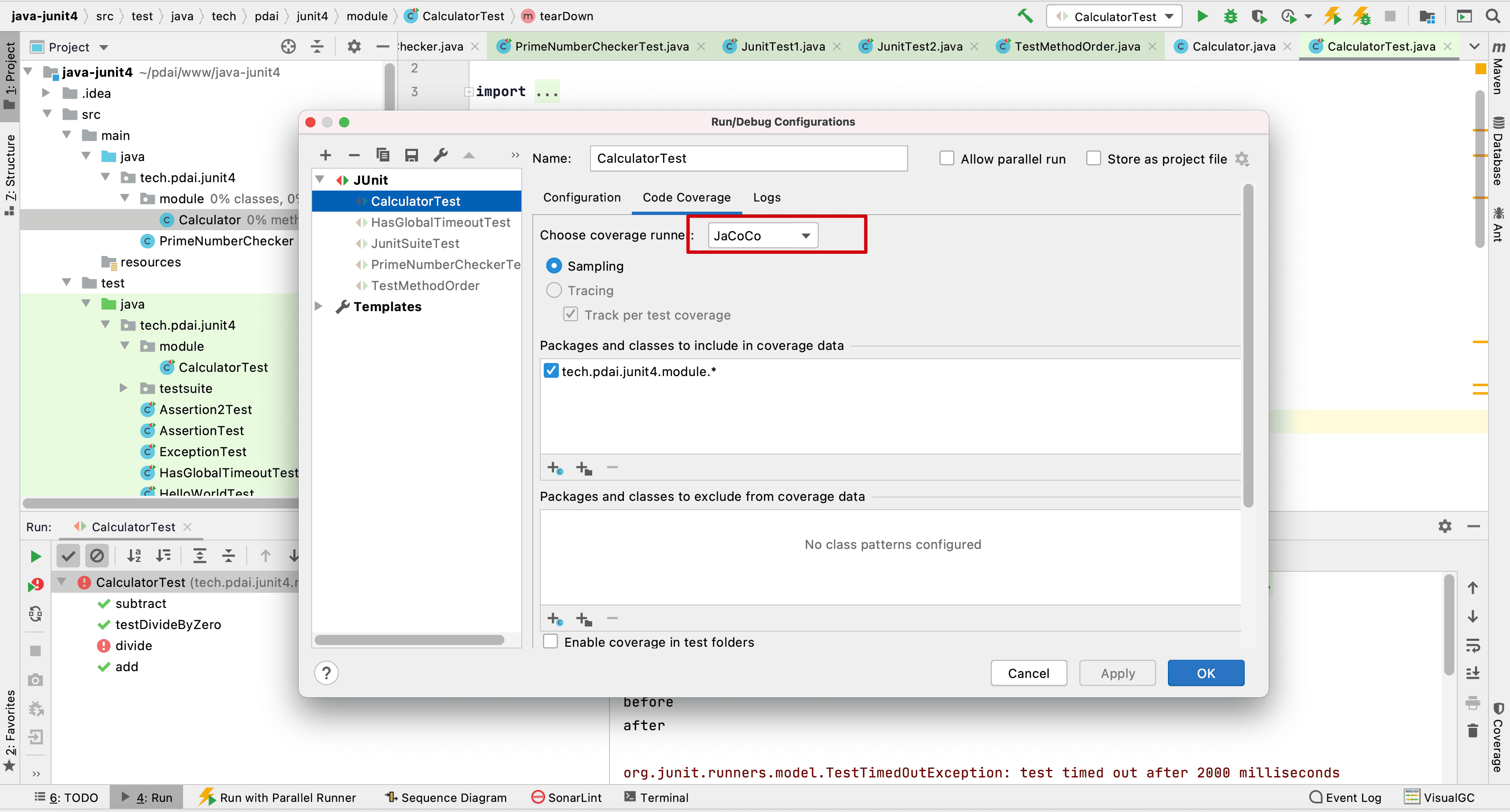
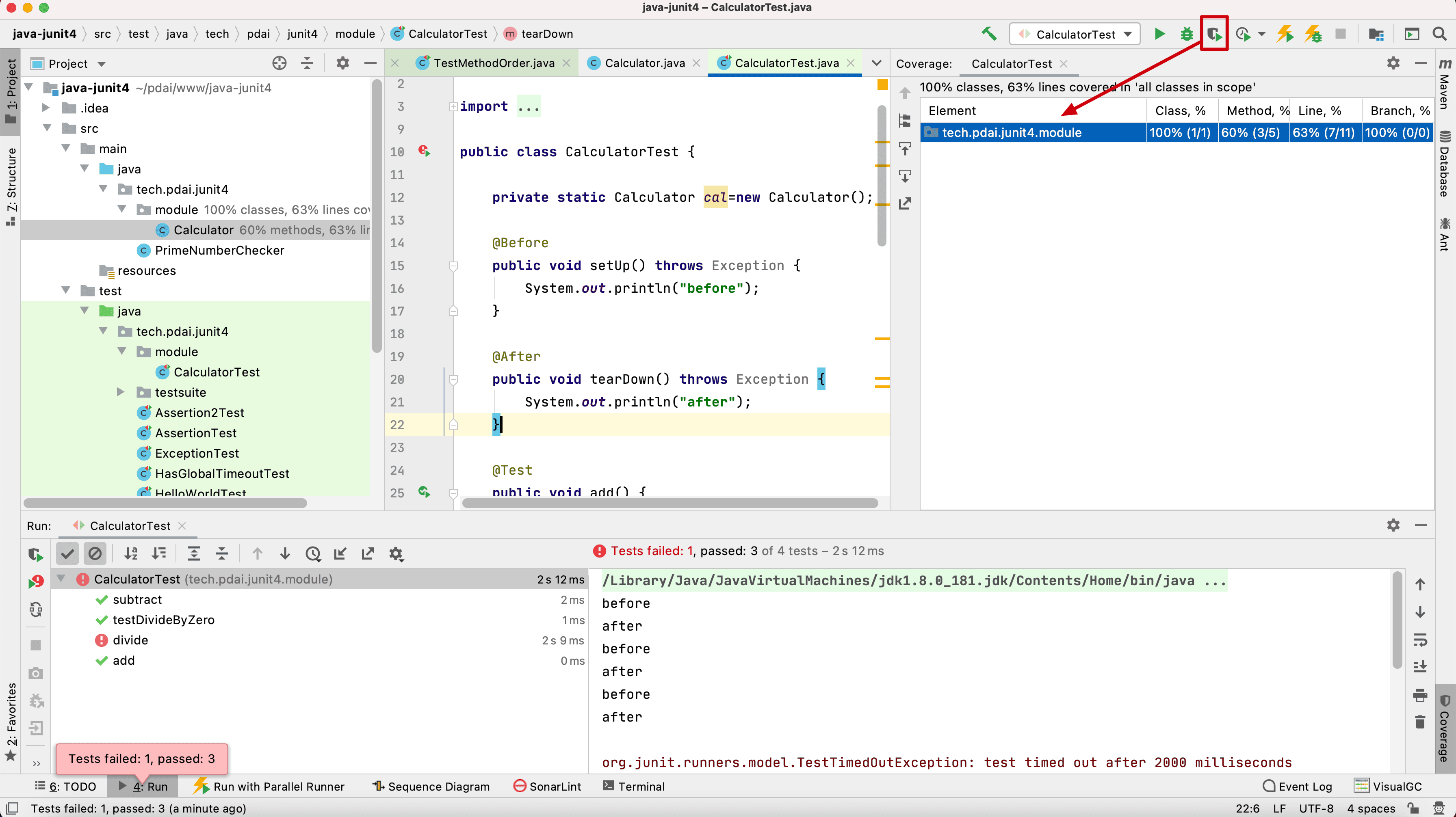
如何快速看本地代码测试覆盖率呢?
代码覆盖率
# Profile
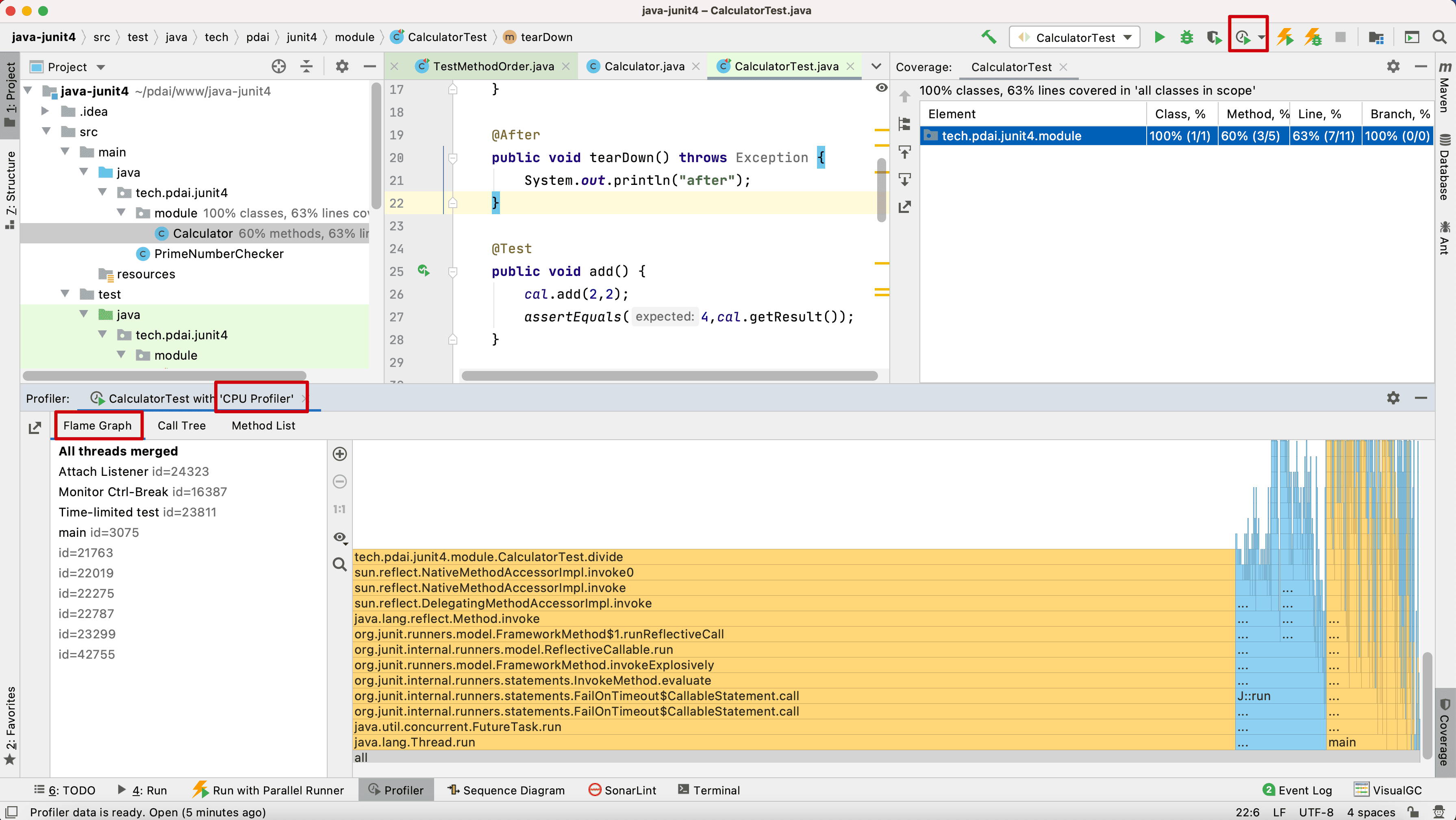
- CPU Profile
Flame Graph
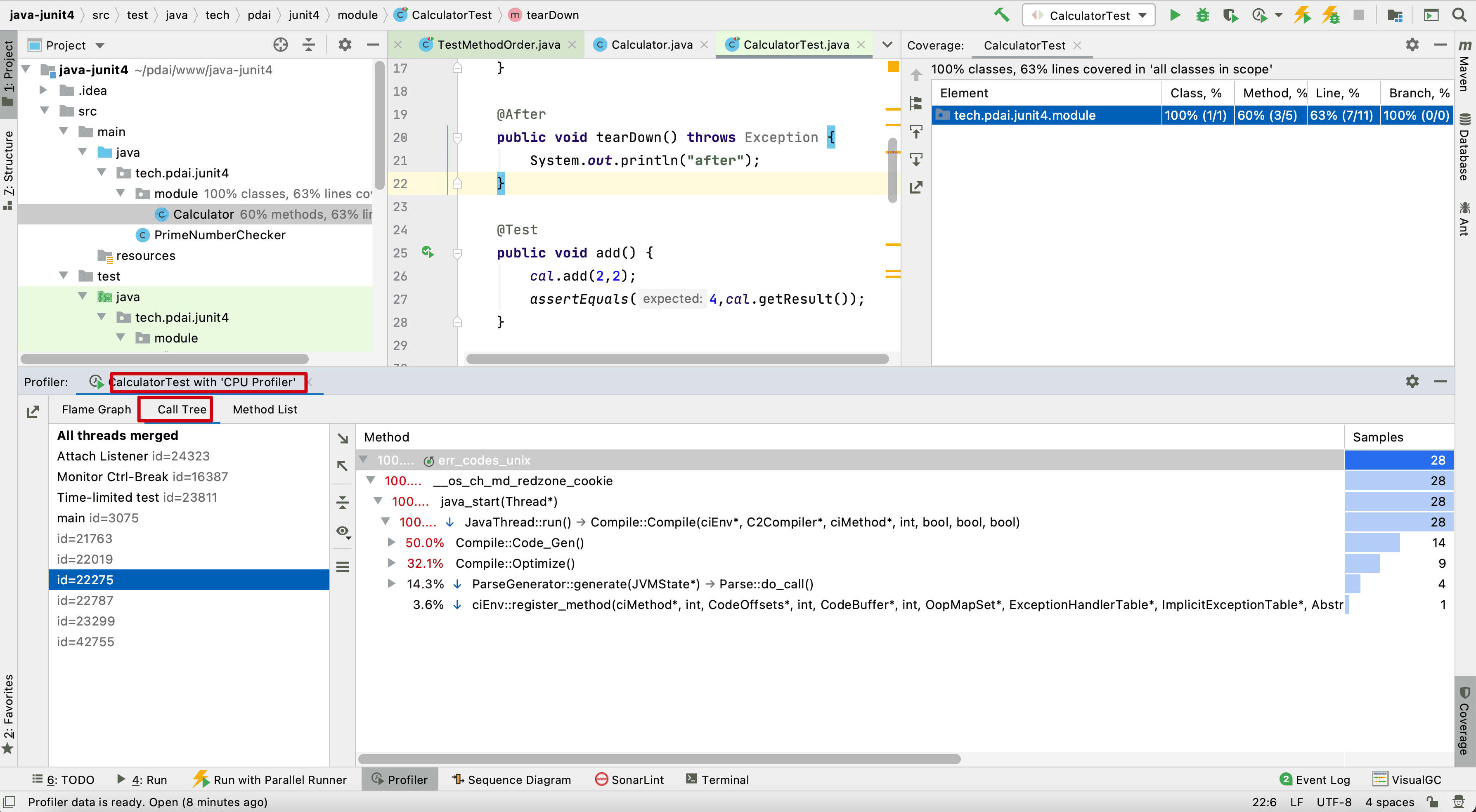
Call Tree
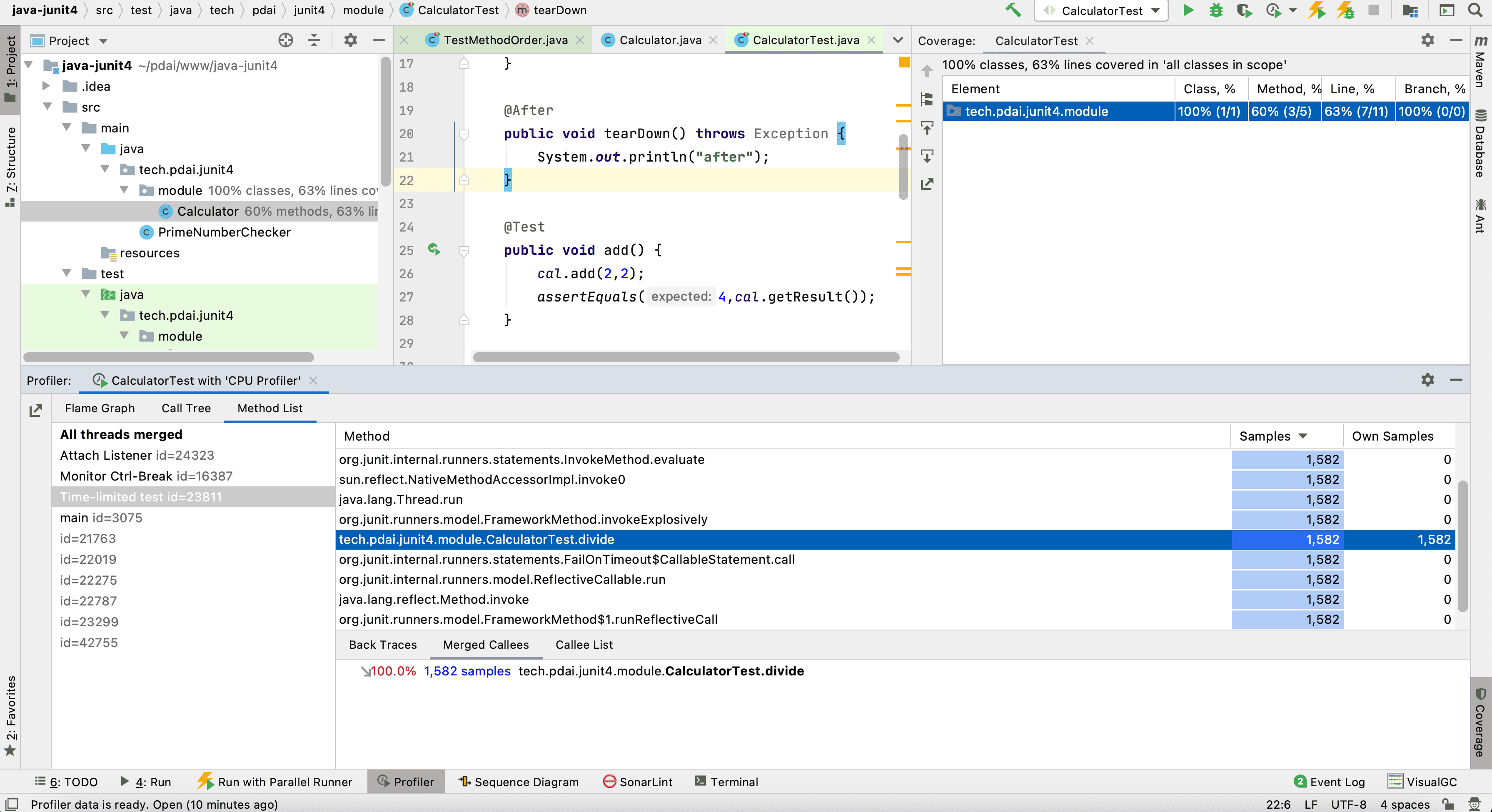
Method List
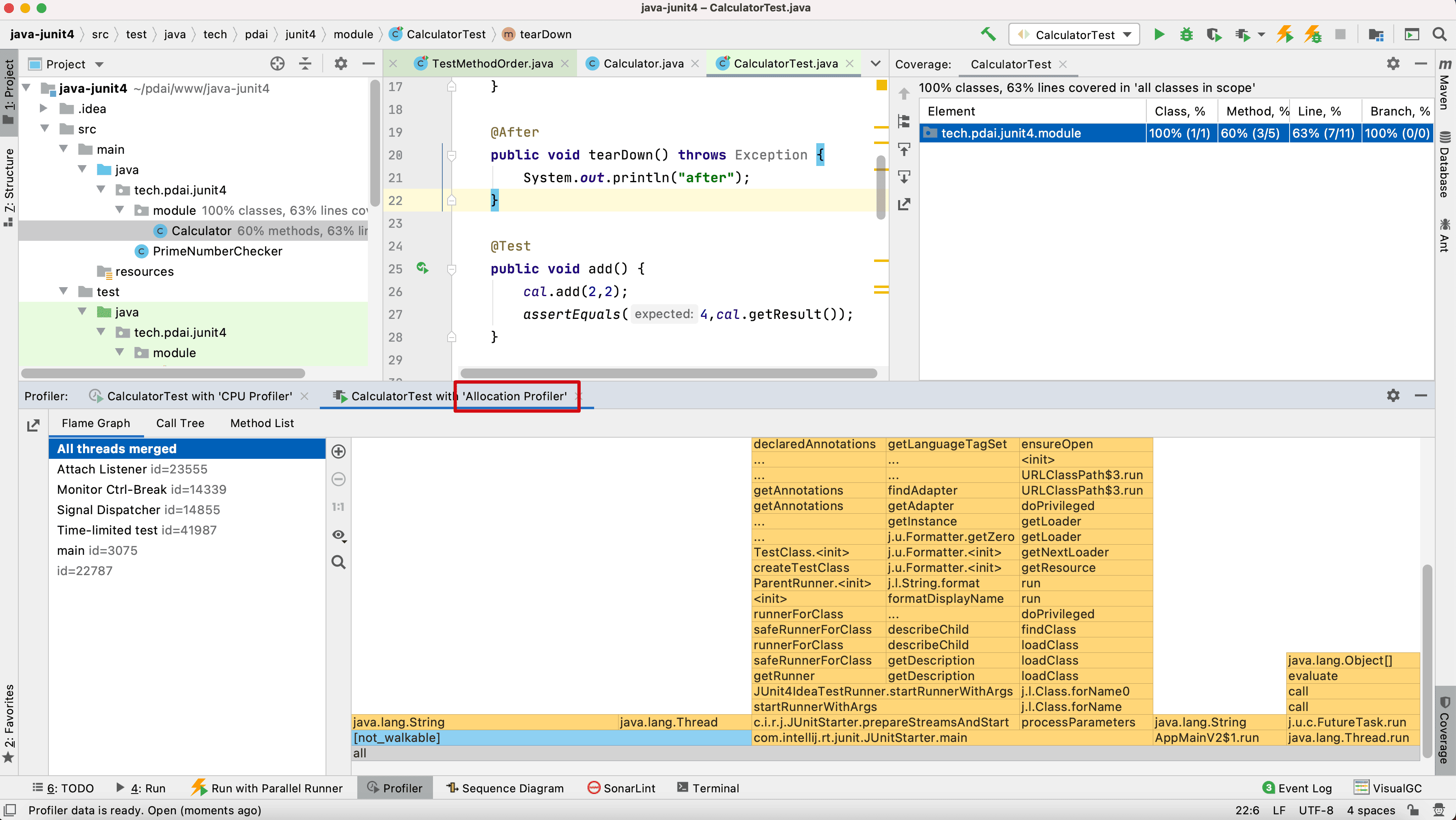
- Allocation Profile